How to Create a Digital Seating Plan for Your Wedding

When it comes to digital seating plan wedding, there is a lot of outdated advice floating around. The wedding planning app market is valued at over $2.5 billion and growing at 10 percent annually. This guide focuses on what actually works in 2026.
Why digital seating plan wedding Matters More Than You Think
The seating chart is one of the few wedding elements that directly affects every single guest. It determines who they talk to, how comfortable they are, and whether they actually enjoy the reception. A well-thought-out seating arrangement can turn strangers into friends and keep family dynamics peaceful.

Many couples underestimate the impact of their seating decisions until the day itself. By then, it is too late to fix a poorly placed uncle or an awkward table of mismatched acquaintances. The key is planning ahead with the right tools and strategy.
What Modern Couples Are Doing Differently
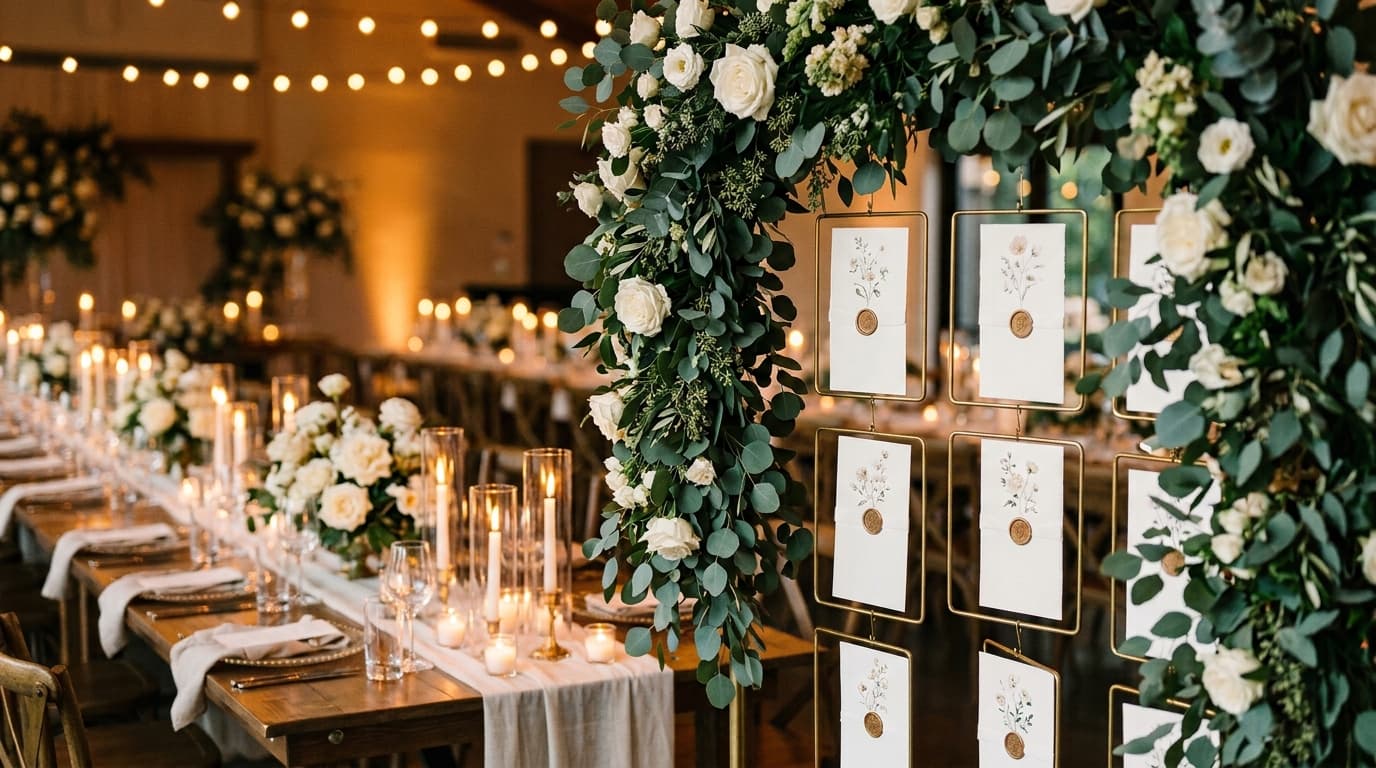
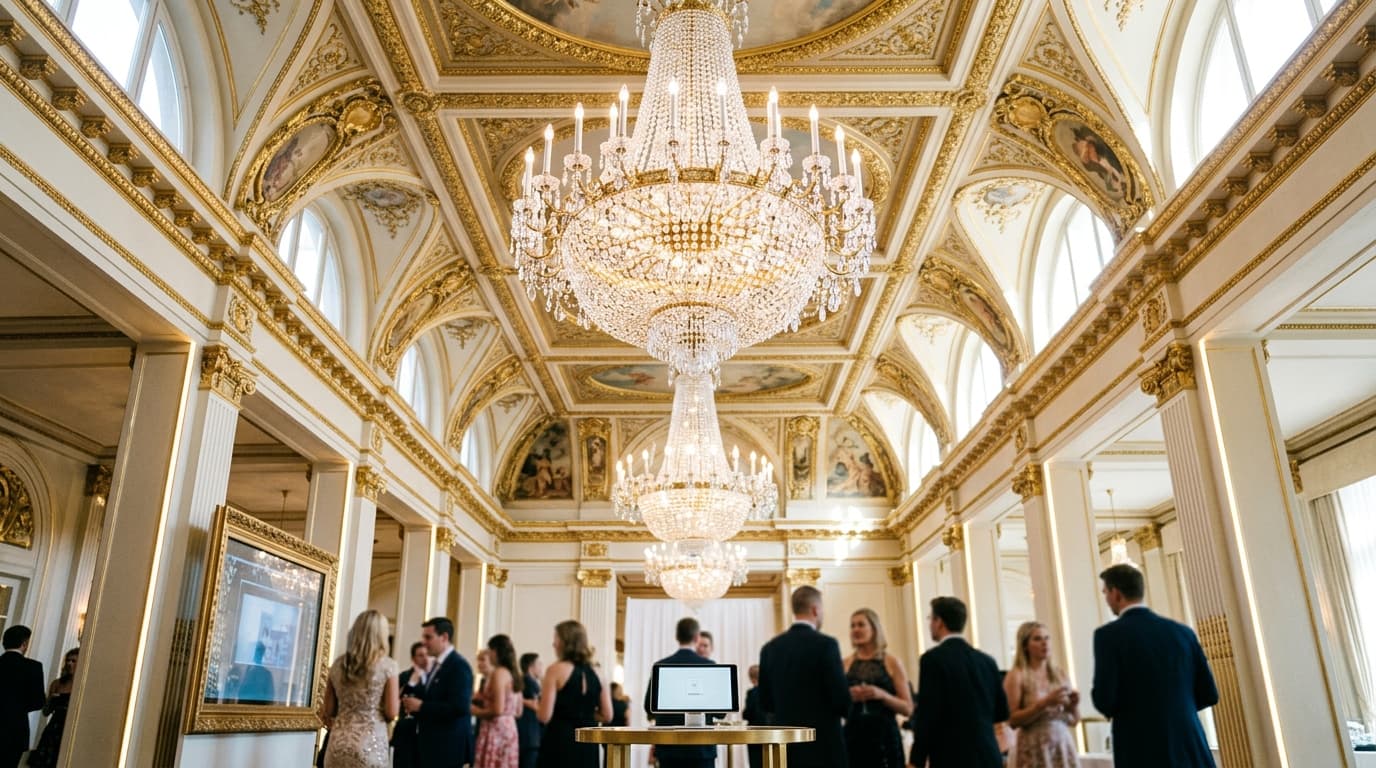
The biggest shift in 2026 is the move from printed seating charts to digital, QR-code-based alternatives. Instead of guests crowding around a poster board, each person scans a QR code with their phone camera, searches their name, and instantly sees their table number.
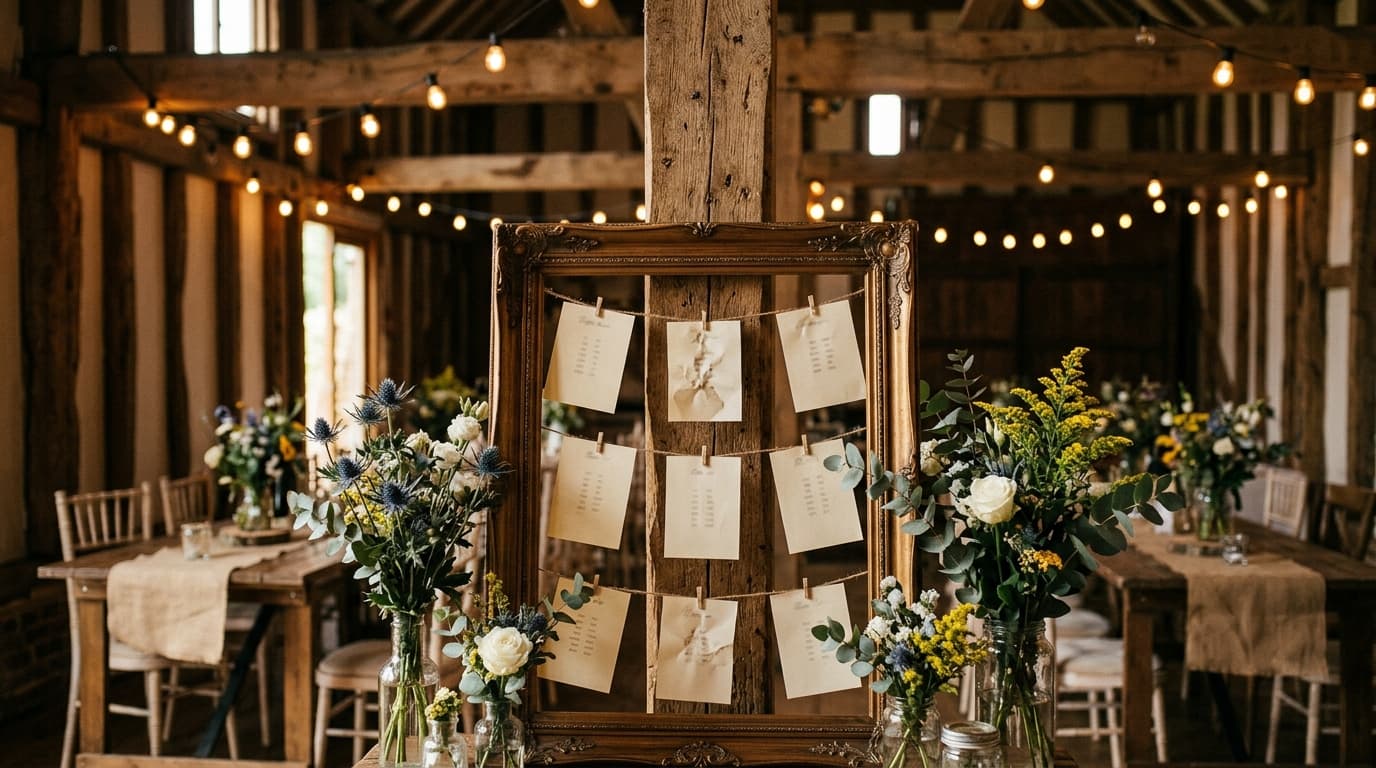
This approach eliminates several problems at once: no reprinting when a guest cancels, no bottleneck at the seating display, and no confusion when handwriting is hard to read. Plus, the couple can make changes right up to the moment guests arrive.

Digital seating charts also solve the backup problem. Most tools offer a downloadable PDF as a backup in case the venue has poor signal — giving you the best of both worlds.
So how does this actually work in practice? Let us break it down.
How to Get Started With digital seating plan wedding
Start by collecting your confirmed guest list with dietary needs and any relationship notes. Group guests into natural clusters — college friends, work colleagues, family branches, childhood friends. These clusters become the building blocks of your table assignments.
Next, decide on your table shape and size. Round tables of 8 to 10 are the most common, but long banquet tables create a different dynamic. Your venue layout and guest count will guide this choice. Most couples find that a mix of both works well for visual variety.
Once you have your groups and table format, use a digital tool to drag and drop guests into place. This is far easier than paper and sticky notes because you can instantly swap guests between tables without starting over.
Practical Considerations and Budget Tips
Budget is always a factor in digital seating plan wedding. The good news is that the most impactful choices are often not the most expensive ones. Smart allocation matters more than total spend.
Look for places where digital tools can replace physical products. Digital seating charts, online RSVPs, and QR-code-based systems often cost a fraction of their paper equivalents while offering more flexibility and a better guest experience.
When comparing options, factor in your time as a cost. A slightly more expensive tool that saves you 10 hours of work is almost always worth it, especially in the final weeks before your wedding.
Delegate wherever you can. Your maid of honor, best man, parents, and close friends want to help — let them. Assign specific, clearly defined tasks rather than vague 'help me with the wedding' requests. People are much more effective when they know exactly what is expected of them.
Remember that your wedding is ultimately about celebrating your relationship with the people you love most. It is easy to lose sight of that in the fog of planning logistics. Step back periodically, take a breath, and remind yourself that the goal is joy — not perfection.
Table size matters more than most couples realize. A table of 8 creates more intimate conversation, while a table of 10 means some guests will only interact with the 3 or 4 people nearest them. For guests who do not know many people, smaller tables tend to be more comfortable and lead to better conversation flow throughout the meal.
Related Guides You Might Find Helpful
- Searchable Wedding Seating Charts: Guests Type Their Name and Find Their Table
- Wedding Seating Chart for 100 Guests: Layout Ideas and Tips
- DIY Wedding Seating Chart Ideas You Can Make This Weekend
Make Your Seating Chart the Easy Part
SeatYourself is a simple-to-use online seating chart that helps guests interactively find their table number at weddings and large events via QR code. Upload your guest list, assign tables with drag-and-drop, and generate a QR code your guests scan to find their seat — no app download needed. It is free for up to 50 guests, with a Pro plan at $59.95 one-time for unlimited guests.
Try SeatYourself free — no credit card needed
Wedding planning is a marathon, not a sprint. Take it one decision at a time, and remember that done is better than perfect.