Digital Wedding Seating Chart Templates: Pick Your Style
The best weddings are the ones where guests feel taken care of from the moment they arrive. wedding seating chart template digital is a key part of that experience. Surveys show that the seating chart is consistently ranked among the top three most stressful wedding tasks. Let us dig into the details.
What Modern Couples Are Doing Differently
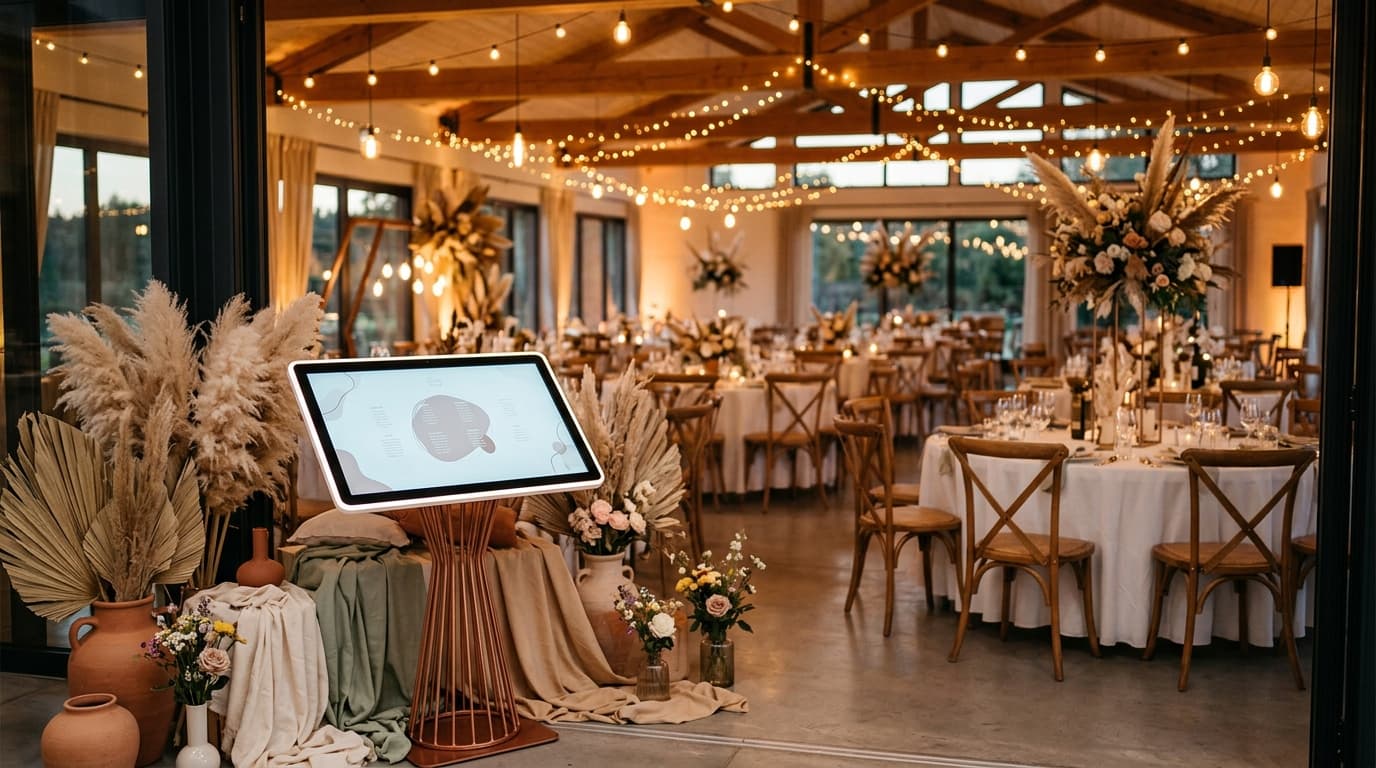
The biggest shift in 2026 is the move from printed seating charts to digital, QR-code-based alternatives. Instead of guests crowding around a poster board, each person scans a QR code with their phone camera, searches their name, and instantly sees their table number.

This approach eliminates several problems at once: no reprinting when a guest cancels, no bottleneck at the seating display, and no confusion when handwriting is hard to read. Plus, the couple can make changes right up to the moment guests arrive.
Digital seating charts also solve the backup problem. Most tools offer a downloadable PDF as a backup in case the venue has poor signal — giving you the best of both worlds.
Common Mistakes to Avoid
The biggest mistake couples make is waiting too long to start their seating chart. Ideally, you should begin once you have 80 percent of your RSVPs back — typically 3 to 4 weeks before the wedding. Starting earlier means less panic when last-minute changes inevitably happen.

Another common error is seating people based solely on obligation rather than compatibility. Just because two guests are both from the groom's side does not mean they will enjoy sitting together. Think about conversation dynamics, not just categories.
Finally, do not forget about physical logistics. Seat elderly guests away from speakers and near exits. Keep parents of young children near the kids table. Place guests with mobility needs where they will not need to navigate stairs or tight spaces.
With that foundation in place, let us look at the practical side.
How to Get Started With wedding seating chart template digital
Start by collecting your confirmed guest list with dietary needs and any relationship notes. Group guests into natural clusters — college friends, work colleagues, family branches, childhood friends. These clusters become the building blocks of your table assignments.
Next, decide on your table shape and size. Round tables of 8 to 10 are the most common, but long banquet tables create a different dynamic. Your venue layout and guest count will guide this choice. Most couples find that a mix of both works well for visual variety.
Once you have your groups and table format, use a digital tool to drag and drop guests into place. This is far easier than paper and sticky notes because you can instantly swap guests between tables without starting over.
Common Questions Answered
One of the most frequently asked questions about wedding seating chart template digital is whether it is worth investing time and money in. The short answer is yes — but with a caveat. Focus your investment on the elements that directly affect guest experience and your own peace of mind.
Another common question is about timing. When should you tackle wedding seating chart template digital in your planning timeline? For most couples, this should be addressed 2 to 4 months before the wedding, once the major decisions — venue, guest count, and overall vision — are locked in.
Finally, many couples ask whether they need professional help. It depends on your comfort level and budget. If wedding seating chart template digital feels overwhelming, even a one-hour consultation with an experienced planner can save you hours of trial and error.
Related Guides You Might Find Helpful
- How to Design a Wedding Seating Chart in Canva
- Mirror Seating Charts for Weddings: A Complete Style Guide
- How to Plan the Flow of Your Wedding Reception for Maximum Fun
Make Your Seating Chart the Easy Part
SeatYourself is a simple-to-use online seating chart that helps guests interactively find their table number at weddings and large events via QR code. Upload your guest list, assign tables with drag-and-drop, and generate a QR code your guests scan to find their seat — no app download needed. It is free for up to 50 guests, with a Pro plan at $59.95 one-time for unlimited guests.
Try SeatYourself free — no credit card needed
The best wedding planning decisions are the ones you do not have to think about on the day itself. Get this right in advance, and your future self will thank you.